
As a former graphic designer, my first reaction when I started to learn about generative AI was that the design world was f**ked.
I had built my career in graphic design because the thought of being able to express yourself creatively AND digitally was hugely exciting. One masterpiece after another was just a few clicks away.
Instead I discovered layer upon layer of technical skills to get to grips with, like the pen tool, layer masks, the refined edge tool and many more. I spent many frustrating hours poring over YouTube instruction videos and when it all finally started to click it was magic!
But going onto Midjourney, I found that this magic could be created in a matter of MINUTES and it was crushing! All those hours of learning were redundant. I kept telling myself it was still good to have the basic understanding of the Adobe Suite - but let’s face it, it’s a was a bit like learning to drive a manual car when the whole world knows they will all soon be automatic.
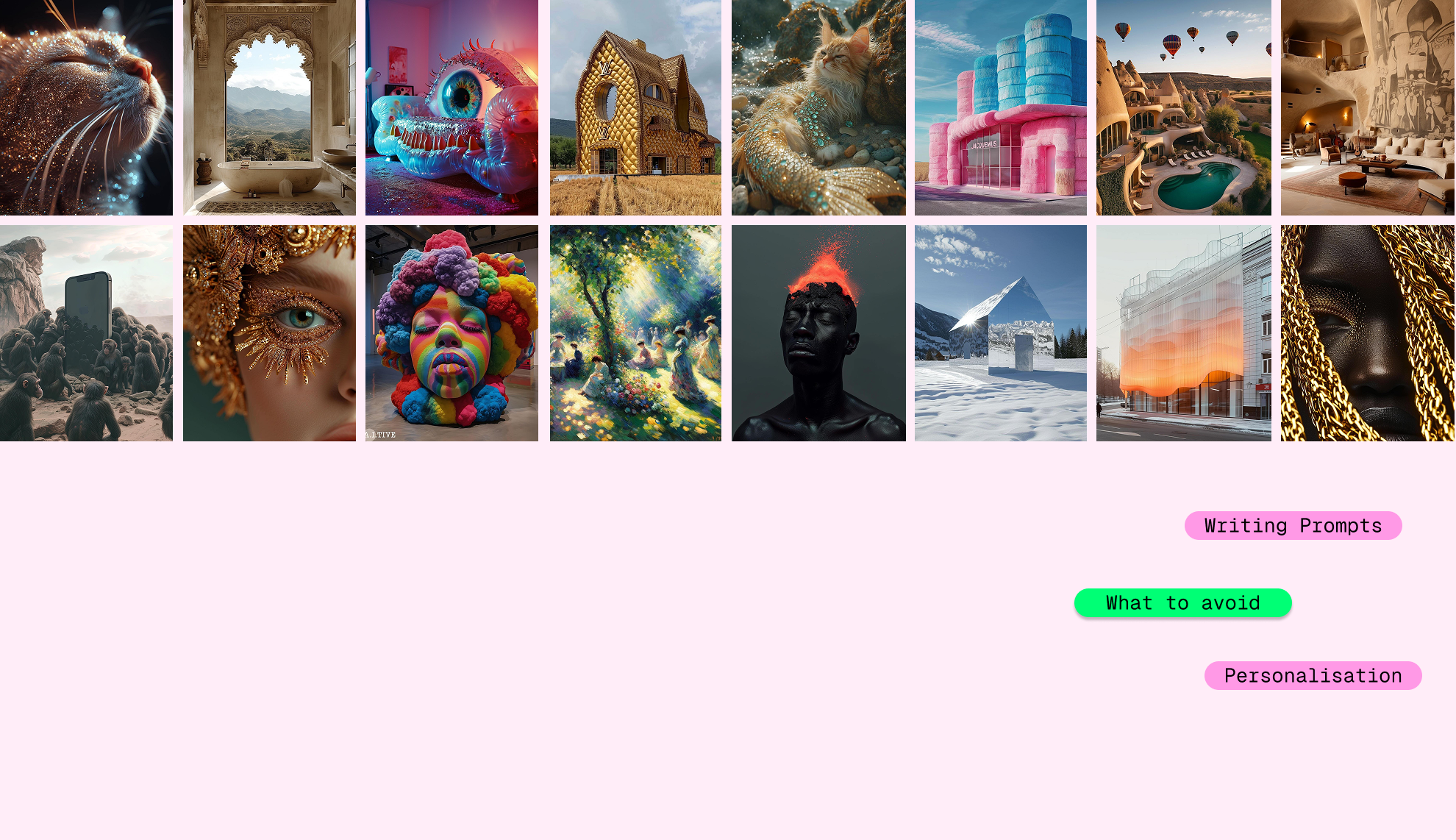
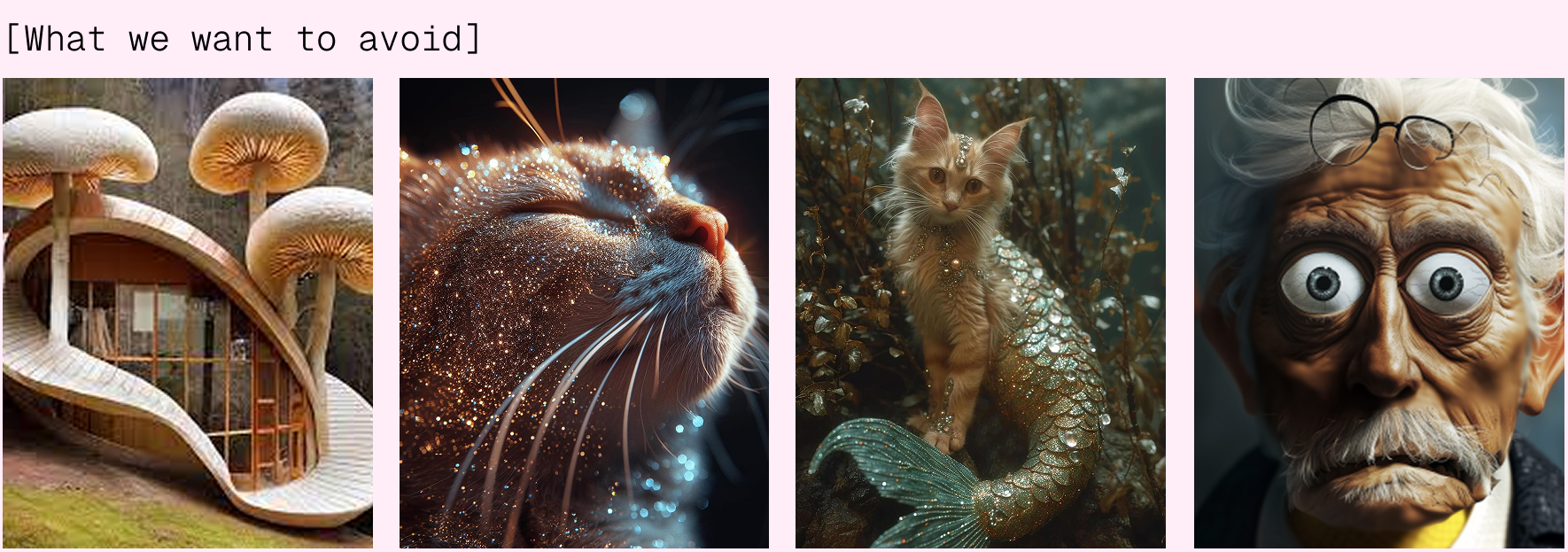
At the start, there was some solace in seeing that the images coming out were quite mediocre. There was definitely a Midjourney/Image generation ‘look’ to try and avoid. And it soon became clear that some design understanding and talent was still important.
AI can’t create taste on its own, it needs us. And that is where the inspiration for the Midjourney workshop came in. You know the saying that ‘Ai won’t steal your job but someone who knows how to use Ai will’ - well there is some truth in that, but using AI without any design talent won’t (I hope) be enough on its own.
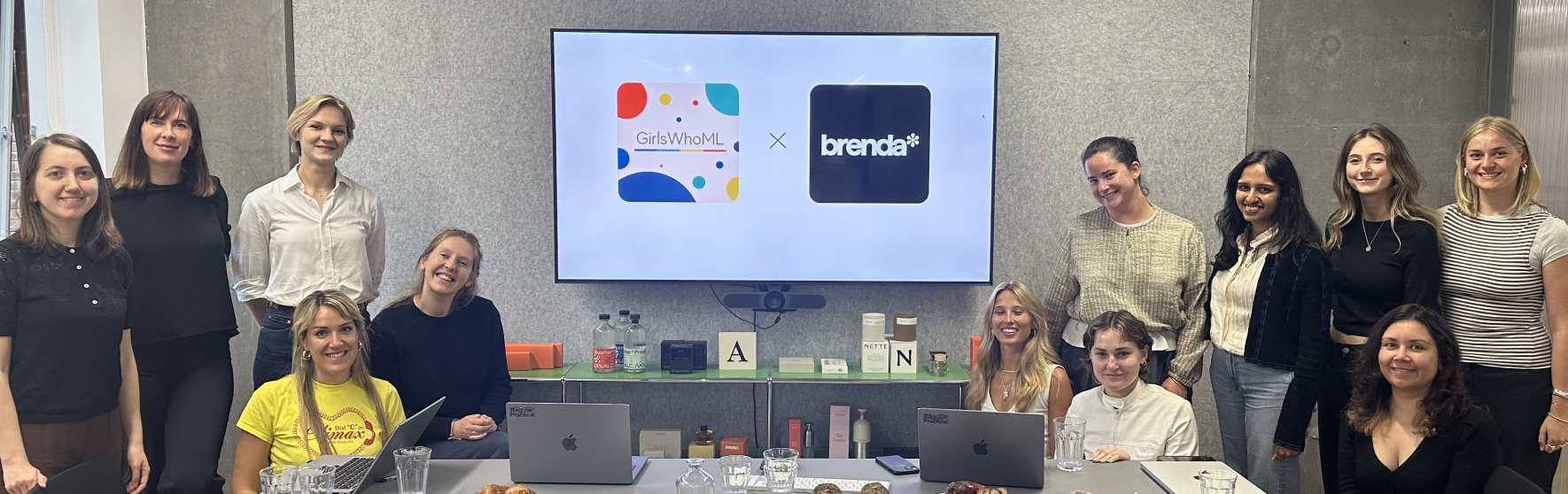
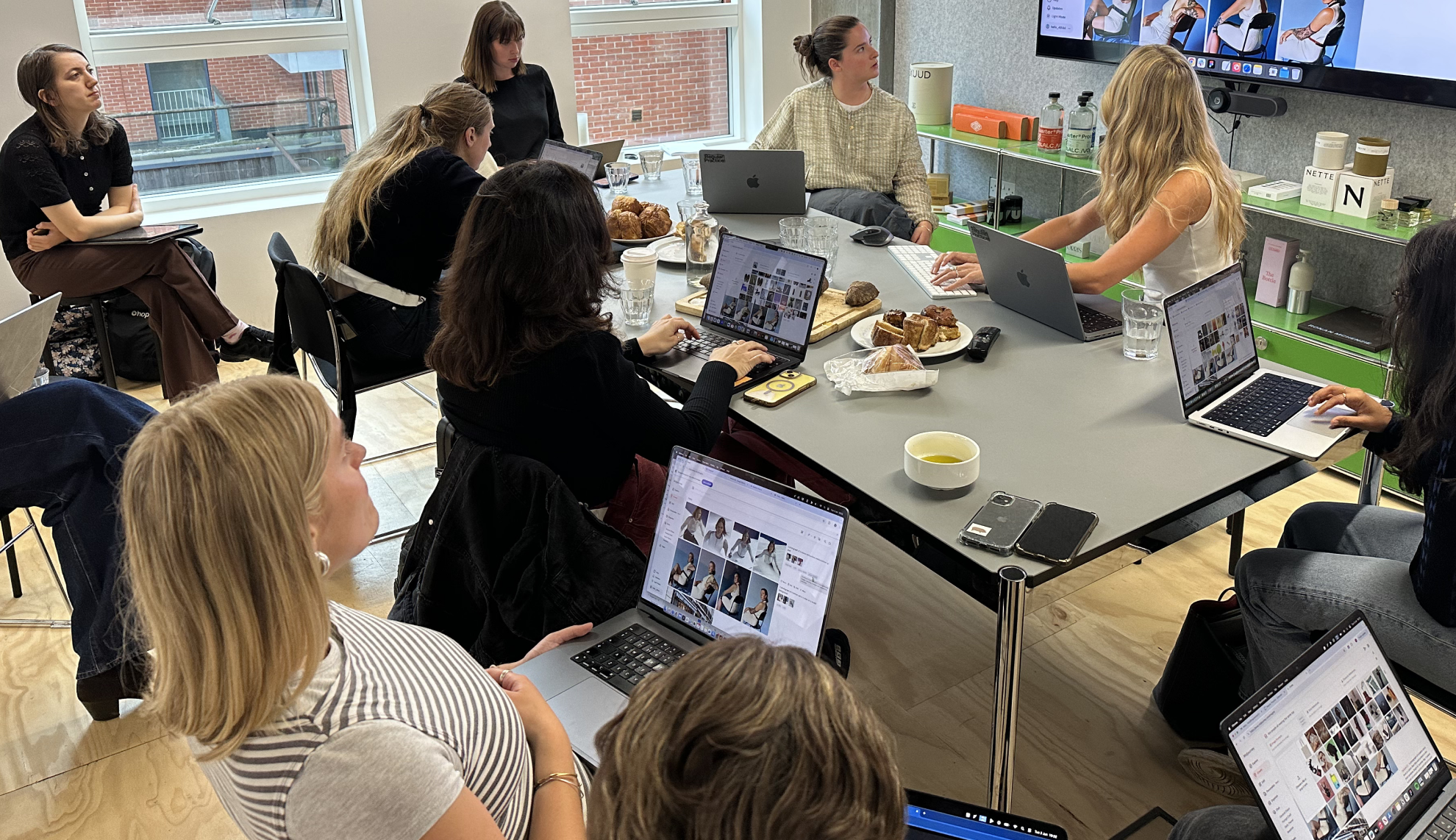
We wanted to show you where using Midjourney could actually be advantageous to your career, so we teamed up with the fabulous GirlsWhoML to create our very own hands-on Midjourney workshop. This involved two very talented designers - Megan and Tess who shared their hot tips on how to use it and incorporate it into your day to day.
First they laid out where it can be used as a very effect time saving tool in their workflow:
Using real life examples from brands that were using it for launch of campaigns.
We then went to the live demo on the basics of setting up and the importance of getting the settings right before you start to make.
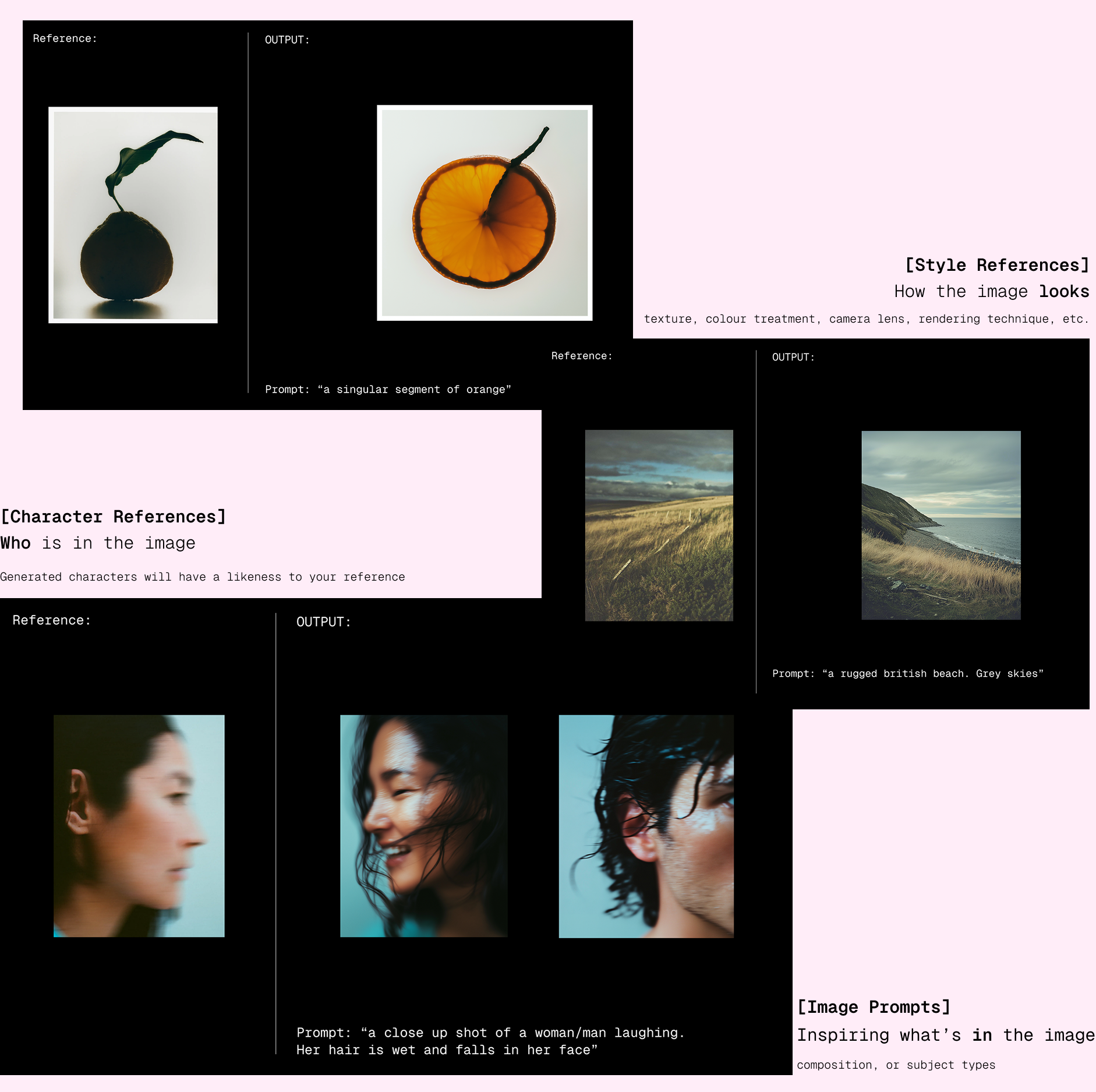
Then we covered the vital art of prompts. There’s a big difference between prompting ‘a beautiful women’ vs ‘an editorial style photograph of a brunette woman on a white studio background. High flash, studio lighting. Photography in the style of Mario Testino.’ The results will be night and day.
So we focussed on the 4 main things to remember when prompting:

Finally, we spent the last 20 minutes of the session trying to generate our own images and practice refining and iterating until everyone could become an AI design magician themselves!